 Lobiz Marker

Lobiz Marker launches its new website
The official website of Lobiz Marker Co., Ltd. is live — introducing our team, seven areas of work, career opportunities and AI news from Vietnam.
Read more →A 5-step AI short-video workflow for small businesses: pick the idea, script, shoot and edit, add a voice, then label AI content the way TikTok, YouTube and Meta require.
A small business can make short videos with AI in five steps: pick one question customers often ask, have AI draft a 30–45 second script, film real footage on a phone, use AI to edit and add a voice, then check everything and label AI content before posting. AI makes the work faster, but people still own the important part: knowing the customer and checking the facts.
This guide is for shop owners and solo marketers without a production team. It is how the Lobiz Marker production team works with AI every day, rewritten for beginners.
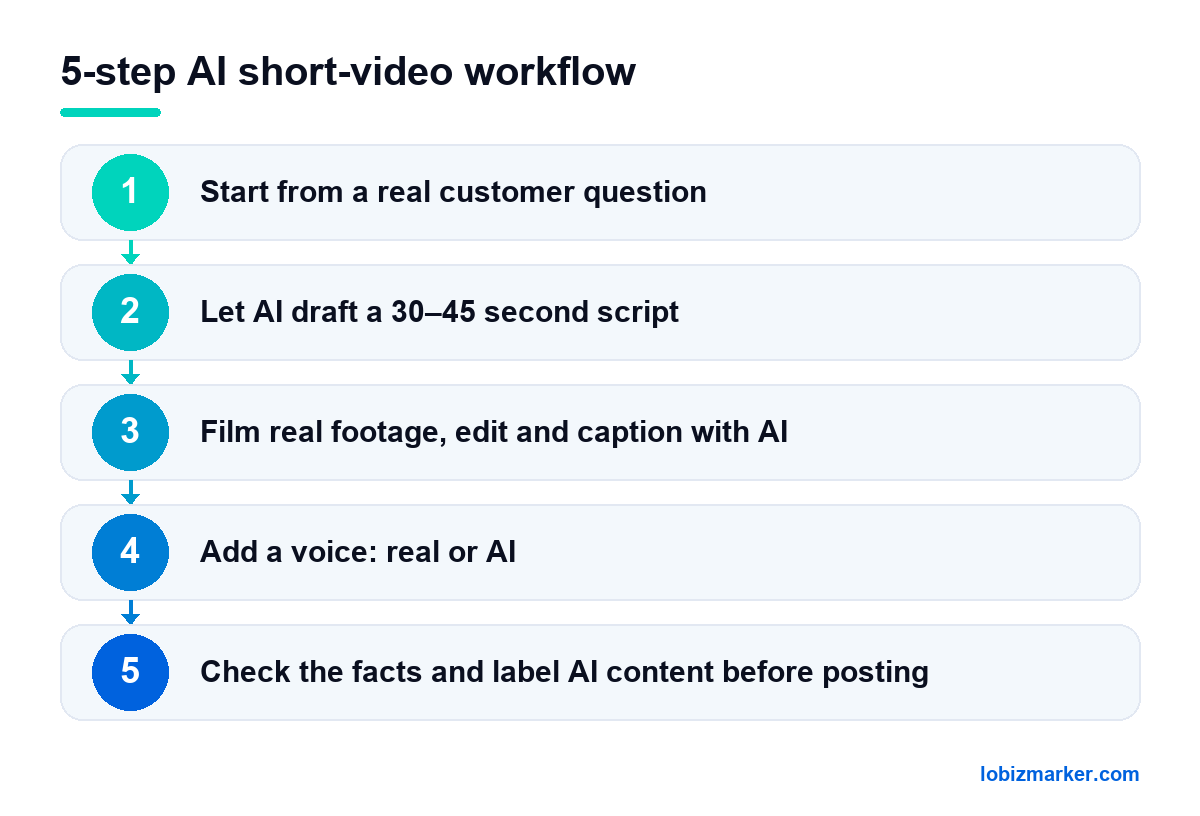
Good short videos usually answer exactly one question. Go through messages, comments and notes from your sales staff and list the ten questions people ask most. Each question becomes one video — for example “How long does it take?”, “What is the difference between A and B?” or “Is it suitable for sensitive skin?”.
You can paste the list into ChatGPT, Gemini or Claude and ask it to group and rank the questions. Do not let AI invent questions for your customers; real questions always perform better.
A tight short-video script has three parts: a hook in the first two or three seconds, the core answer, and a call to action. Give the AI enough context:
Read the script out loud and fix anything that sounds written rather than spoken, runs too long, or overpromises. Remove claims such as “the best” or “100% guaranteed” unless you can back them up.
Real shots of your shop, products and team still build more trust than fully AI-generated images. Film vertically on a phone in natural light, three to five seconds per shot. Then use an editor with AI features (CapCut or similar) to trim silences, assemble shots to the script, generate captions and suggest simple music and transitions. Always proofread auto-captions, and only use music that is properly licensed.
A real voice from the owner or staff feels most personal. AI voices make sense when you need many similar videos or nobody is comfortable on camera yet. If you use one, pick a natural voice, slow it down slightly and listen to the whole video before exporting. Never use AI to imitate a real person’s face or voice without their consent.
| Real voice | AI voice | |
|---|---|---|
| How it feels | Personal, builds trust | Clear but can sound flat |
| Best for | Shop intros, personal stories | Many similar videos, no one ready for camera |
| Effort | Needs recording, maybe retakes | Fast: edit the text, get a new voice |
| Watch out | Record somewhere quiet | Pick a natural voice; never imitate a real person |
| Platform | When a label is required | How to label |
|---|---|---|
| YouTube | Realistic altered or synthetic content (face swaps, cloned voices…) | Select “altered content” at upload in YouTube Studio |
| TikTok | Realistic AI-generated images, audio or video | Turn on “AI-generated content” in extra post options |
| Facebook, Instagram | Photorealistic video or realistic audio that was digitally created or altered | Use the AI disclosure tool when posting; Meta shows “AI info” |
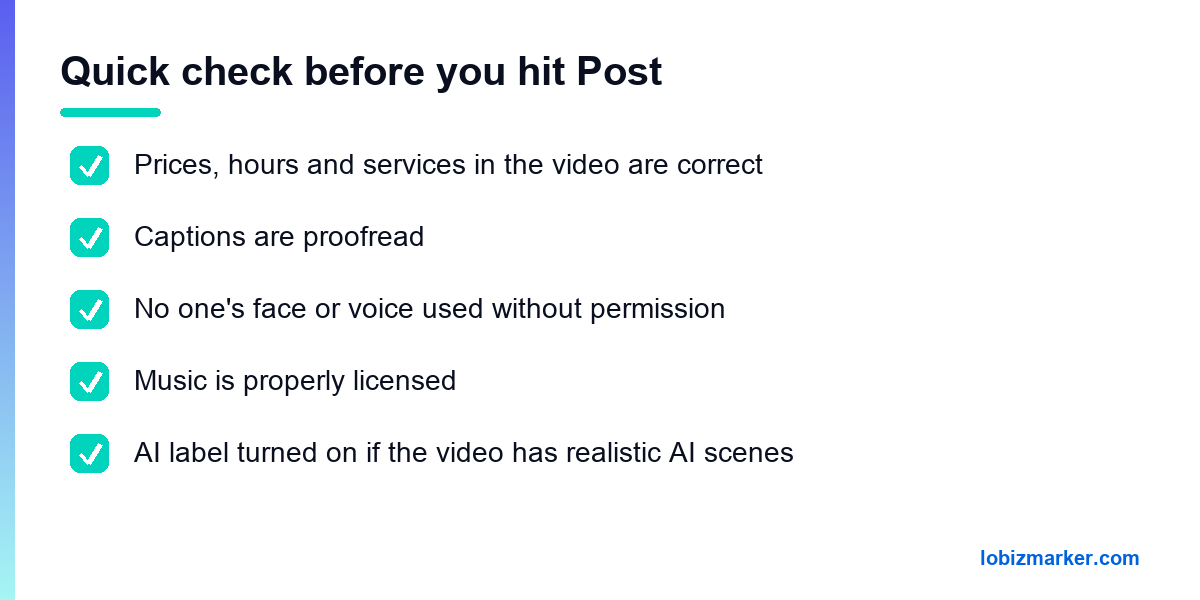
In Vietnam, the Law on Artificial Intelligence also requires AI-generated content to be marked — see Vietnam’s AI Law: what AI video creators need to know. Platform rules change, so check each platform’s official help pages before you post.
YouTube says disclosure will not limit a video’s audience or affect its eligibility to earn money. Usefulness and honesty matter more.
Start with a pace you can keep, such as two or three a week, and grow from there. Consistency beats bursts.
The Lobiz Marker team uses AI in almost every step above, with a person always checking facts and AI labels before delivery. For more ideas, read 5 ways small businesses can use AI for marketing. Businesses that want a full video and marketing team can learn more about TopMarker.
Sources: YouTube Help — Disclosing use of altered or synthetic content; TikTok Help — How is AI-generated content labeled on TikTok?; Meta — Our approach to labeling AI-generated content; Meta Transparency Center — Labeling AI content.
This article was drafted with AI assistance and reviewed by the Lobiz Marker team before publishing.
News
The official website of Lobiz Marker Co., Ltd. is live — introducing our team, seven areas of work, career opportunities and AI news from Vietnam.
Read more →Vietnam now has a dedicated AI law. For content creators, the key point: AI-generated video, images and audio must be marked, and content simulating real people must carry clear labels.
Read more →A US$1 billion AI data centre in Da Nang, AI startups up nearly fivefold, a target of 50,000 chip and AI engineers — Vietnam’s AI wave is speeding up.
Read more →